
WordPress 7.0 has officially been released, and it is one of the more meaningful WordPress updates we have seen in a while.
Update: August 6th, 2026:
Since WordPress 7.0 launched, WordPress has released several maintenance and security updates:
- WordPress 7.0.1 – Maintenance release addressing 31 bugs
- WordPress 7.0.2 – Critical security release
- WordPress 7.0.3 – Security release addressing multiple vulnerabilities
We recommend keeping WordPress Core, themes, and plugins properly maintained and tested as part of an ongoing website maintenance strategy.
Original Post:
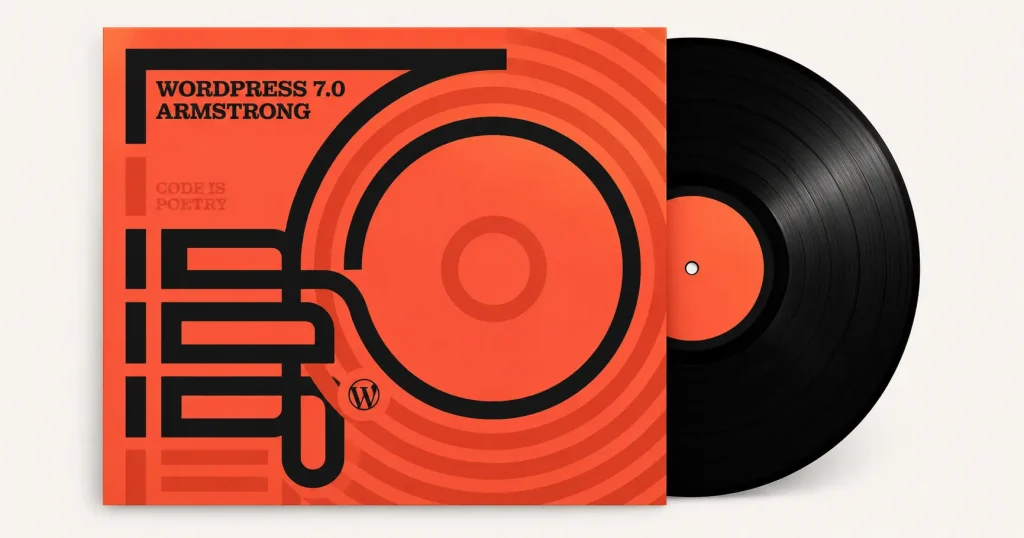
The official release, named WordPress 7.0 “Armstrong”, went live on May 20, 2026. This update brings a refreshed admin experience, new design controls, better pattern editing, stronger developer tools, performance improvements, accessibility refinements, and early AI foundations inside WordPress.
For business owners, marketers, and web designers – the big question is not just “what is new?”
The better question is:
Should I update my website right away?
The answer depends on your website, hosting environment, plugins, theme, and how critical your site is to lead generation or sales.
At 616 Marketing Group, we build and manage WordPress websites for service-based businesses in Rockford, Grand Rapids, and across West Michigan. Our recommendation is simple: WordPress 7.0 is exciting, but major updates should always be handled with a plan.
What Changed in WordPress 7.0?
According to the official WordPress 7.0 release announcement, this release focuses on a few major areas:
- A modernized WordPress dashboard
- AI foundations through the new AI Client and Abilities API
- Improved design and layout tools
- Better pattern editing
- New blocks, including Breadcrumbs and Icons
- Visual revision improvements
- Performance updates
- Accessibility improvements
- Expanded developer tools
That sounds technical, but here is what it means in plain English.
WordPress is continuing to move from a basic website content management system into a more flexible publishing, design, and workflow platform. The admin area is becoming cleaner. Editing is becoming more visual. Developers are getting more tools to build smarter and more customized website experiences.
That is good news, especially for businesses that depend on their website to create trust, answer questions, and generate leads.
A Cleaner WordPress Admin Experience
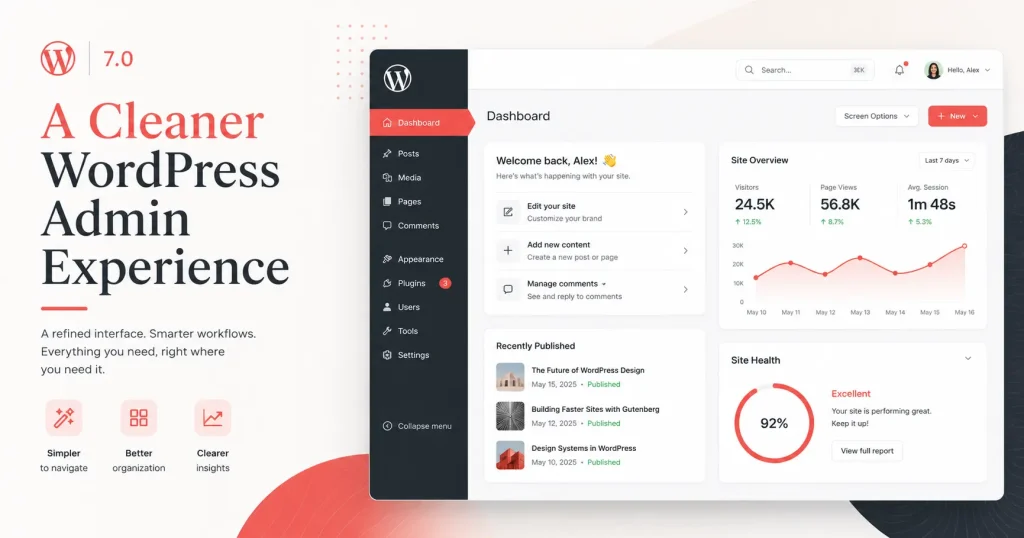
One of the first things users may notice is the updated dashboard design.
WordPress 7.0 introduces a more polished admin interface with a refreshed color scheme, updated buttons, smoother screen transitions, and easier access to tools through the Command Palette.
For business owners and marketing teams, this matters because the backend of a website should not feel intimidating. If you are updating pages, editing blog posts, adding photos, or managing content, a cleaner admin experience can make the process feel more approachable.
That said, a visual refresh does not automatically mean every website will feel easier overnight. If your site uses a custom theme, page builder, complex plugins, or older workflows, you still want to test the update before pushing it live.
Better Design Control for Pages and Layouts
WordPress 7.0 adds more control over how pages are designed and managed.
Some of the more useful improvements include:
- Responsive controls that let blocks show or hide based on screen size
- Improved navigation overlay design
- Pattern editing that makes reusable layouts easier to manage
- Block-level custom CSS
- New block options for Icons, Breadcrumbs, Headings, and Galleries
This is a step forward for modern website design because mobile layout control is a huge deal. A section that looks good on desktop does not always work on a phone. Giving editors and developers better tools to control what appears on each screen size can help create a cleaner user experience.
For small business websites, that can directly impact conversions.
A confusing mobile layout can cost you calls, form submissions, and quote requests. WordPress 7.0 gives teams more control, but the strategy still matters. Tools do not replace good design thinking.
AI Foundations Are Now Part of WordPress
The biggest long-term shift in WordPress 7.0 may be its AI foundation.
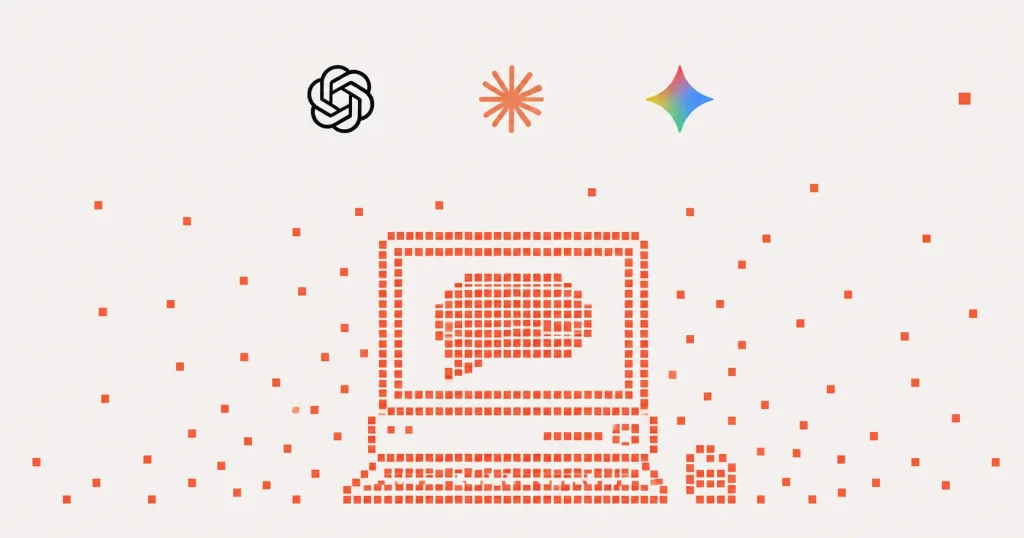
WordPress introduced an AI Client in Core, along with tools that allow WordPress to connect with outside AI providers. The release also includes the Client-Side Abilities package, which helps create a structure for future AI-powered workflows.
In practical terms, this does not mean every WordPress website is suddenly “AI-powered” by default.
It means WordPress is putting infrastructure in place so plugins, developers, and future tools can connect AI features more consistently. The optional AI plugin can support features like title ideas, excerpts, image generation, image editing, and suggested alt text.
For business websites, this has potential, but it should be used carefully.
AI can help speed up content tasks, but your website still needs a real strategy, a real voice, and accurate information. We do not recommend using AI to blindly generate service pages, medical content, legal content, financial advice, or anything that represents your business without review.
AI should assist your website strategy. It should not run it.
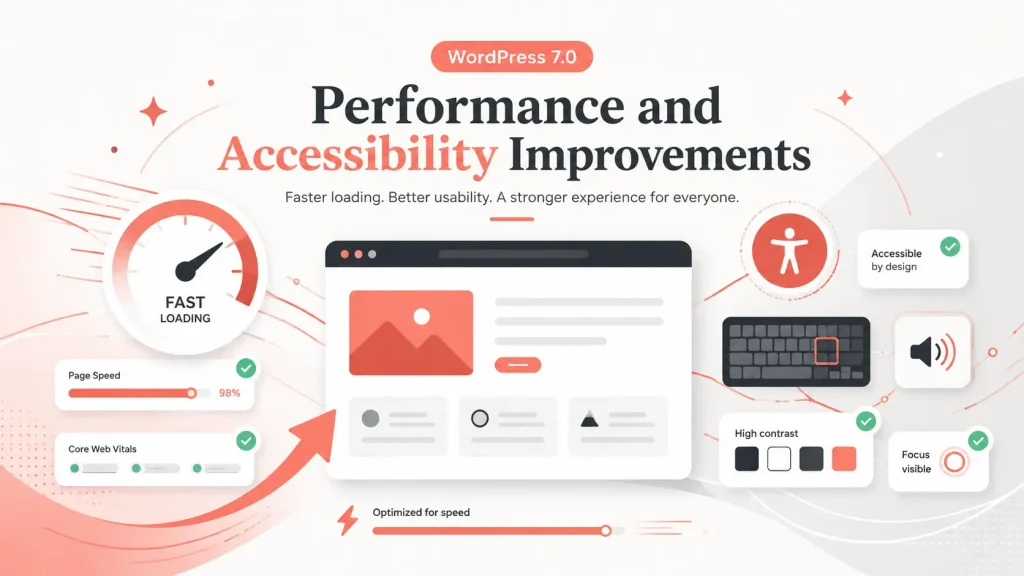
Performance and Accessibility Improvements
WordPress 7.0 also includes performance and accessibility improvements.
The official WordPress 7.0 release page notes improvements to image loading prioritization, more reliable on-demand block stylesheet loading in classic themes, and script dependency improvements that can reduce render-blocking.
It also includes accessibility improvements across media management, voice control usability, color contrast, editor navigation, and interaction.
This is important because performance and accessibility are not just technical details.
A faster, easier-to-use website helps real people. It can improve how visitors move through your site, how they interact with your content, and how confident they feel reaching out to your business.
It also supports better SEO fundamentals. Google wants to send users to pages that are helpful, usable, and technically sound. WordPress updates alone will not fix a poor website, but they can support a stronger foundation when implemented correctly.
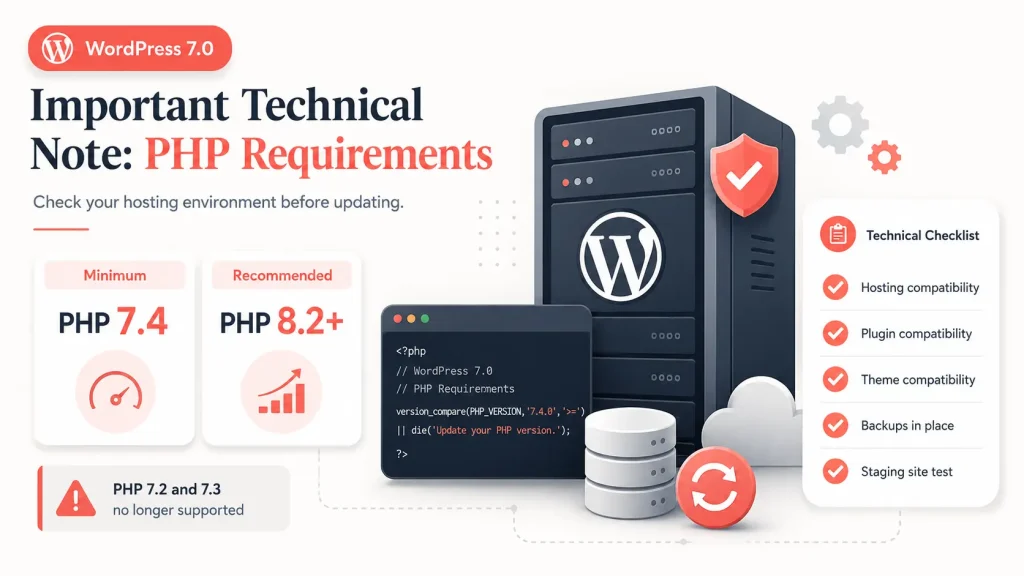
Important Technical Note: PHP Requirements
Before updating, check your hosting environment.
The WordPress Developer Blog noted that WordPress 7.0 drops support for PHP 7.2 and 7.3, with PHP 7.4 as the new minimum and PHP 8.2 or newer recommended.
That matters because some older websites are still running outdated PHP versions, outdated plugins, or custom code that may not be ready for WordPress 7.0.
Before updating, your web team should review:
- Current PHP version
- Active theme compatibility
- Plugin compatibility
- Custom code
- Form functionality
- Checkout functionality, if ecommerce
- Tracking scripts
- Page builder compatibility
- Hosting backups
- Staging site availability
Skipping this step can turn a normal website update into an avoidable support issue.
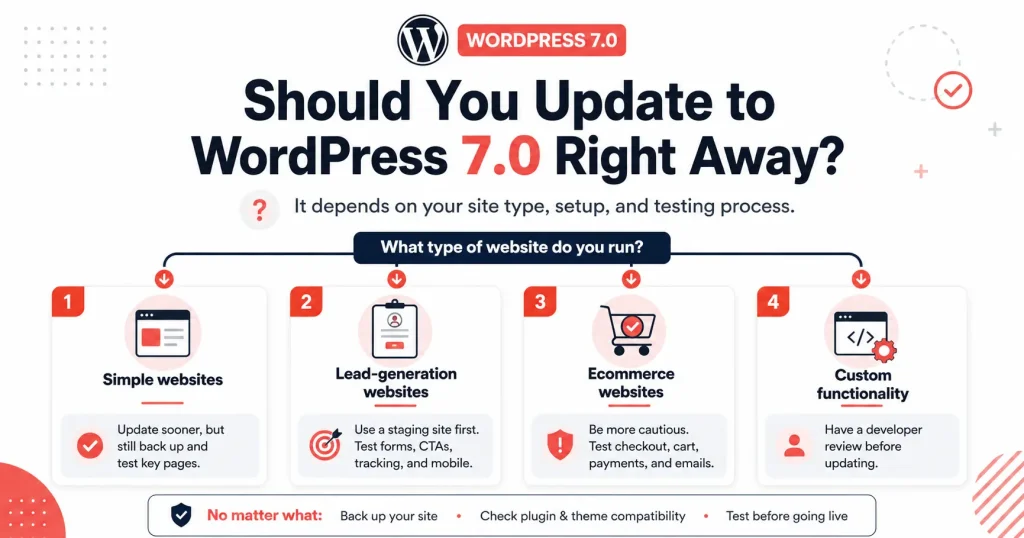
Should You Update to WordPress 7.0 Right Away?
For most business websites, we do not recommend clicking update without testing first. Currently, our agency is holding off on WordPress 7.0 update until at least a few more updates in the 7.x version releases and we can test within staging websites in our hosting environment before rolling out to all of our web hosting clients.
Here is our general approach:
For simple websites:
You may be able to update sooner, but you should still back up the site and test key pages, forms, menus, and mobile layouts.
For lead-generation websites:
Use a staging site first. Test forms, calls to action, thank-you pages, tracking, page layouts, SEO plugins, and mobile responsiveness.
For ecommerce websites:
Be more cautious. Test checkout, payment methods, shipping rules, product pages, cart behavior, emails, and any integrations before updating the live site.
For websites with custom functionality:
Have a developer review the site before updating. Custom post types, integrations, advanced forms, membership features, portals, and API connections should be tested carefully.
WordPress 7.0 is not something to fear. It is something to respect.
Major updates are normal. Testing is what keeps them boring.
Any Further WordPress 7.x Updates?
As of July 1, 2026, the official WordPress release archive lists WordPress 7.0 as the latest release in the 7.0 branch.
There are currently no further 7.x releases listed, such as 7.0.1, 7.0.2, or 7.1.
That means WordPress 7.0 is the current version to watch, but we expect future minor updates to follow as bugs, compatibility issues, and security needs are addressed. That is normal for a major WordPress release.
For clients we manage, we typically watch how the release performs in the real world, confirm plugin and theme compatibility, then schedule updates through a safer maintenance process.
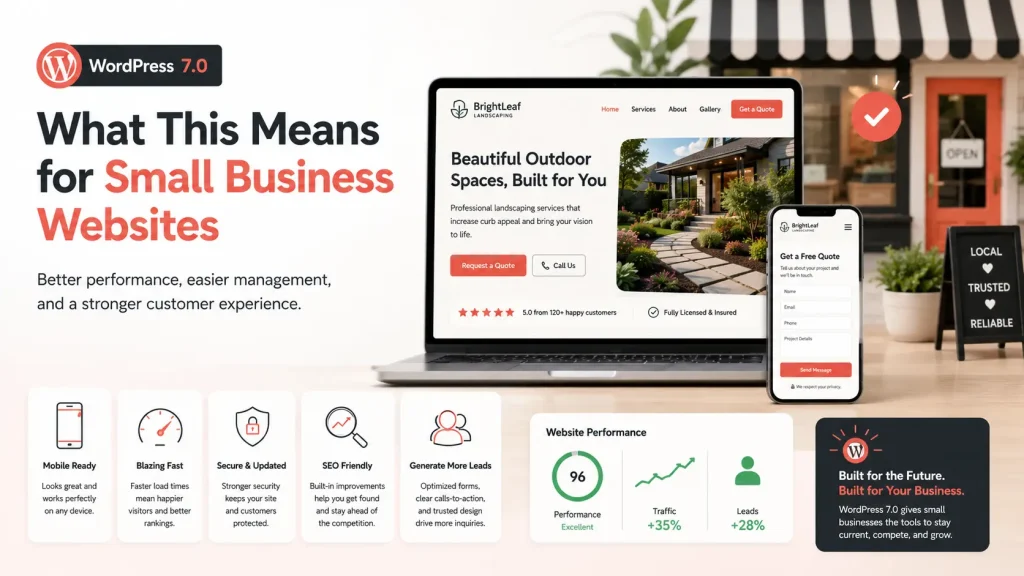
What This Means for Small Business Websites
WordPress 7.0 is a strong reminder that your website is not a one-time project.
A healthy website needs ongoing attention.
Your content needs updates. Your plugins need updates. Your hosting environment needs to stay current. Your design needs to keep up with user behavior. Your forms, tracking, and SEO structure need to be checked regularly.
A website that looked great three years ago may still be visually fine, but behind the scenes it could be slower, less secure, harder to edit, or less effective at converting visitors.
That is why we look at WordPress updates through a business lens.
The question is not only, “Can we update this?”
The better question is, “Will this help the website stay secure, fast, usable, and effective?”
Our Recommendation
WordPress 7.0 is worth paying attention to.
The improved admin experience, design tools, AI infrastructure, performance updates, and accessibility improvements all point toward where WordPress is heading next.
But if your website is important to your business, do not treat a major update like a casual button click.
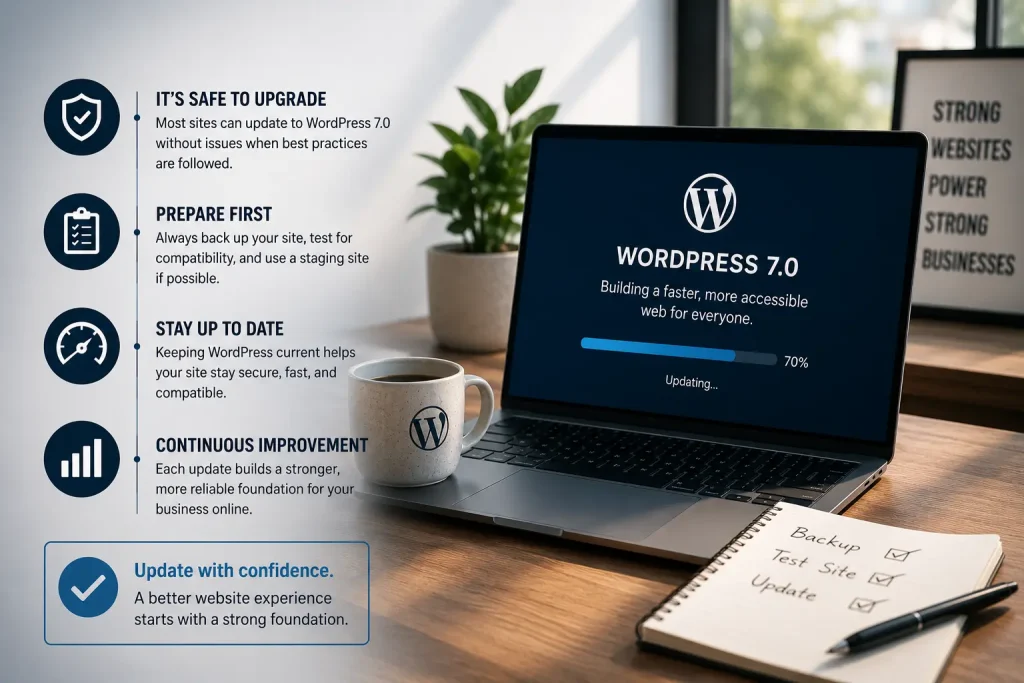
Back up the site. Test it. Review your plugins. Check your PHP version. Make sure your forms work. Make sure your mobile layout still looks right. Then update with confidence.
If your business needs help reviewing, updating, or rebuilding your WordPress website, our team at 616 Marketing Group can help. We design, build, host, and support WordPress websites for service-based businesses that need more than a pretty website.
Your website should support your business, not create more work for you.
If you are ready for a WordPress website that looks better, loads faster, stays updated, and actually helps generate leads, 616 Marketing Group can help. We provide website design, SEO, managed WordPress hosting, routine content updates, security maintenance, plugin updates, WordPress core updates, local website support in Grand Rapids and West Michigan, website warranty coverage, and more.
Routine updates matter because your website is not a one-time project. Fresh content helps your site stay relevant. Managed updates help protect your site from security issues. Ongoing support gives you a local team to call when something needs fixed, improved, or added.
We have been building and maintaining WordPress websites since WordPress 3.0.2 back in 2010. Get your time back, leave the technical work to the WordPress experts, and focus on running your business.
Ready for a better website experience?
Talk to 616 Marketing Group about WordPress web design, SEO, and managed website support.
About the Author
Stephen Geldersma is Creative Director | Brand Strategy & Growth at 616 Marketing Group. Stephen and the 616 Marketing Group team have been designing, developing, hosting, and maintaining WordPress websites since WordPress 3.0.2 in 2010.